
Running a website is a bit like owning a car—you can’t just buy it, fill it up with fuel, and expect it to run forever without attention. Your site needs ongoing care to keep it fast, secure, and performing at its best.
That’s where regular monthly updates and security checks come in, because if you’re already juggling work, life, and business, doing this yourself can feel like one more thing on an endless to-do list.
This is exactly why many businesses turn to the experts for their WordPress website maintenance. Not only does it save time, it ensures the work is done right—keeping your site safe, speedy, and ready for whatever your customers throw at it.
Here are eight essential checks we include in our website maintenance packages.
1. Check Your Website’s Speed
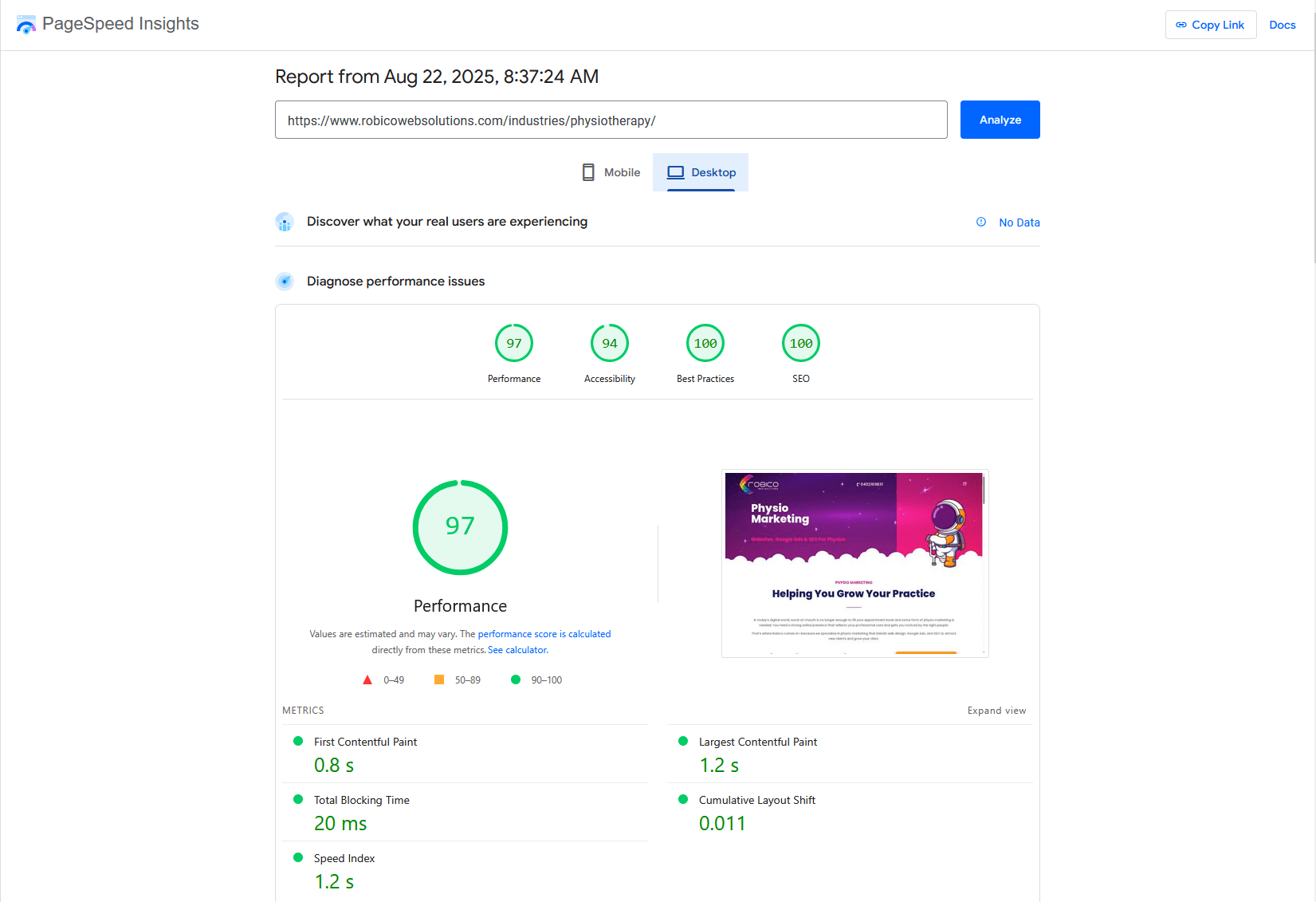
Speed isn’t just a nice-to-have feature—it’s essential to the customer experience. That’s because a slow site sends potential customers packing before they even see what you offer. Common culprits that slow things down include unused JavaScript, un-optimised images, and render-blocking resources.
For WordPress sites, we recommend that you update all the plugins every month, and even consider using a CDN to deliver faster loading times if your customers are located across different regions or countries.
These tweaks alone can transform the customer experience—and give your SEO a healthy boost. Tools like PageSpeed Insights or Pingdom Website Speed Tool can give you a clear picture of how your site is performing.
2. Always Back Up Your Website
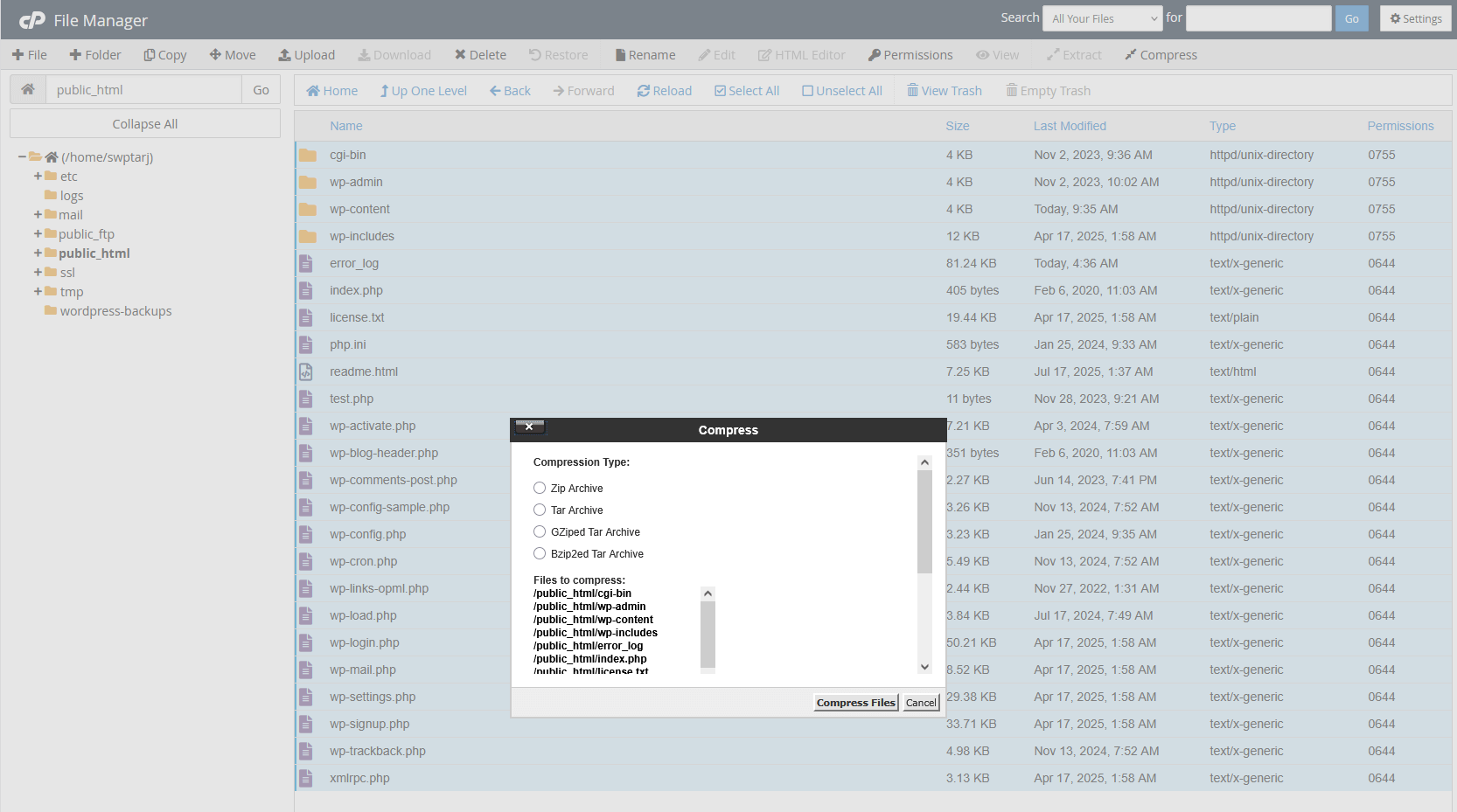
Before making any big changes, for example, updating your WordPress core, themes, or plugins—back everything up. This includes your website files and the database because if an update causes something to break, you can roll back to the previous version. Many hosting providers offer a backup service, but you can also install a plugin that does it easily. Backups are included in Robico’s website maintenance package—so you can relax knowing everything is covered if something goes wrong.
3. Enhance Security and Perform Regular Updates
Protecting your site from hackers means more than just installing a security plugin and hoping for the best. You need to use tools like Sucuri or All-In-One Security (AIOS) to scan for vulnerabilities in your website, and keep WordPress, your theme, and all plugins up to date. Also, change hosting and user account passwords regularly, and replace the default database prefix to make automated attacks more difficult. Watch for unfamiliar accounts appearing in your WordPress dashboard, as these can be early warning signs of a security breach in progress.

4. Keep Plugins Updated
Plugins are powerful, but too many—or poorly maintained ones—can slow down your site and open the door to security risks. Review your plugin list every month and ask yourself:
- Do I need all of these plugins?
- Are they up to date?
- Are any of them affecting the speed of my website?
Another reason for checking your plugins is that hackers often use them to insert malicious code into websites. So, if you find an unfamiliar plugin during your monthly WordPress website maintenance, and you didn’t install it, remove it immediately.

5. Check For Broken Links
Broken links don’t just frustrate visitors—they also damage your search engine rankings. Use Google Search Console or a redirection plugin in WordPress to find and fix them by redirecting them to relevant, working pages. This keeps the browsing experience seamless for your visitors while protecting your hard-earned SEO value.

6. Regularly Review Your Website’s Content
Every month, review how your pages are performing using Google Analytics. Look at bounce rates, time on page, conversions, and exit rates. Check your keyword rankings in Google Search Console, as this helps you spot underperforming content and opportunities for improvement. Fresh, relevant content keeps visitors engaged and encourages repeat visits—plus, it tells search engines your site is active and worth ranking.

7. Test the Checkout Process on e-Commerce Sites
If you run an online store, your checkout process needs to be flawless. A clunky or broken checkout can send sales straight to your competitors, making regular testing vital. With 73% of Australians shopping via smartphone, it’s just as important for your checkout to run smoothly on mobile devices as it is on PCs and laptops. WooCommerce remains the most popular plugin for online shops, offering the flexibility to optimise your checkout for speed and usability. You can also use Google Analytics to identify your customers’ most common devices and prioritise these in testing.
So each month, as part of your WordPress website maintenance checks, go through the process like a customer:
- Add items to the cart and remove them.
- Apply discount codes.
- Enter shipping details.
- Submit a payment.
- Check follow-up emails and tracking details.
- Test contact forms to ensure messages are sent and received.
Thorough testing not only helps you catch issues before they cost you sales but also ensures customers enjoy a smooth and trustworthy buying experience.

8. Perform a Final Back Up
Once all your monthly maintenance work is done—updates applied, plugins checked, security tested—perform a final backup. This ensures that if something goes wrong before the next maintenance cycle, you’ve got the most recent, fully functioning version ready to restore.
Quick Maintenance Checklist
Check site speed and fix issues slowing it down.
Back up all files and the database before updates.
Update WordPress, plugins, and themes, and review security.
Remove unused or suspicious plugins and update the rest.
Find and repair broken links or set up redirects.
Review content performance and make improvements.
Test checkout and forms to ensure they work smoothly.
Save a final backup of the updated site.
Monthly Maintenance is Non-Negotiable
If you find maintaining your website yourself overwhelming, Robico’s website maintenance packages cover every aspect of WordPress website maintenance, from optimisation to backups. Explore our website maintenance packages today and focus on growing your business instead of spending hours troubleshooting, updating, and securing your website.